Fast, Discreet shipping
Free on orders $65+






Original price was: $38.34.$17.43Current price is: $17.43.



 Cookies Classic Bowl
Original price was: $76.95.$34.98Current price is: $34.98.
Cookies Classic Bowl
Original price was: $76.95.$34.98Current price is: $34.98. Half Bak’d Lucid Blends Disposable 1G
Original price was: $44.00.$20.00Current price is: $20.00.
Half Bak’d Lucid Blends Disposable 1G
Original price was: $44.00.$20.00Current price is: $20.00. Zig Zag Hemp Wraps 1PK-2CT
Original price was: $4.13.$1.88Current price is: $1.88.
Zig Zag Hemp Wraps 1PK-2CT
Original price was: $4.13.$1.88Current price is: $1.88.510 Duo VV Concealer 510 Battery
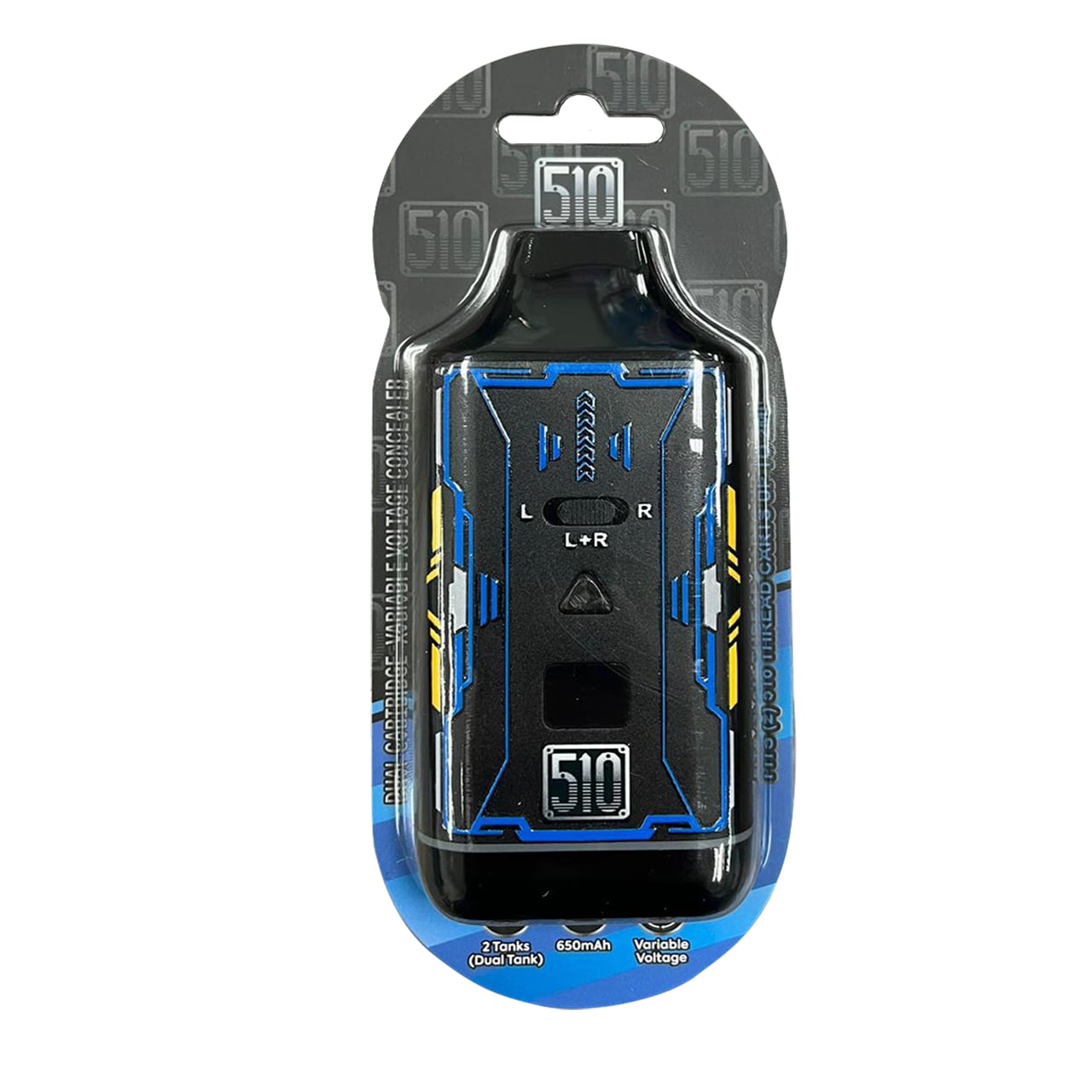
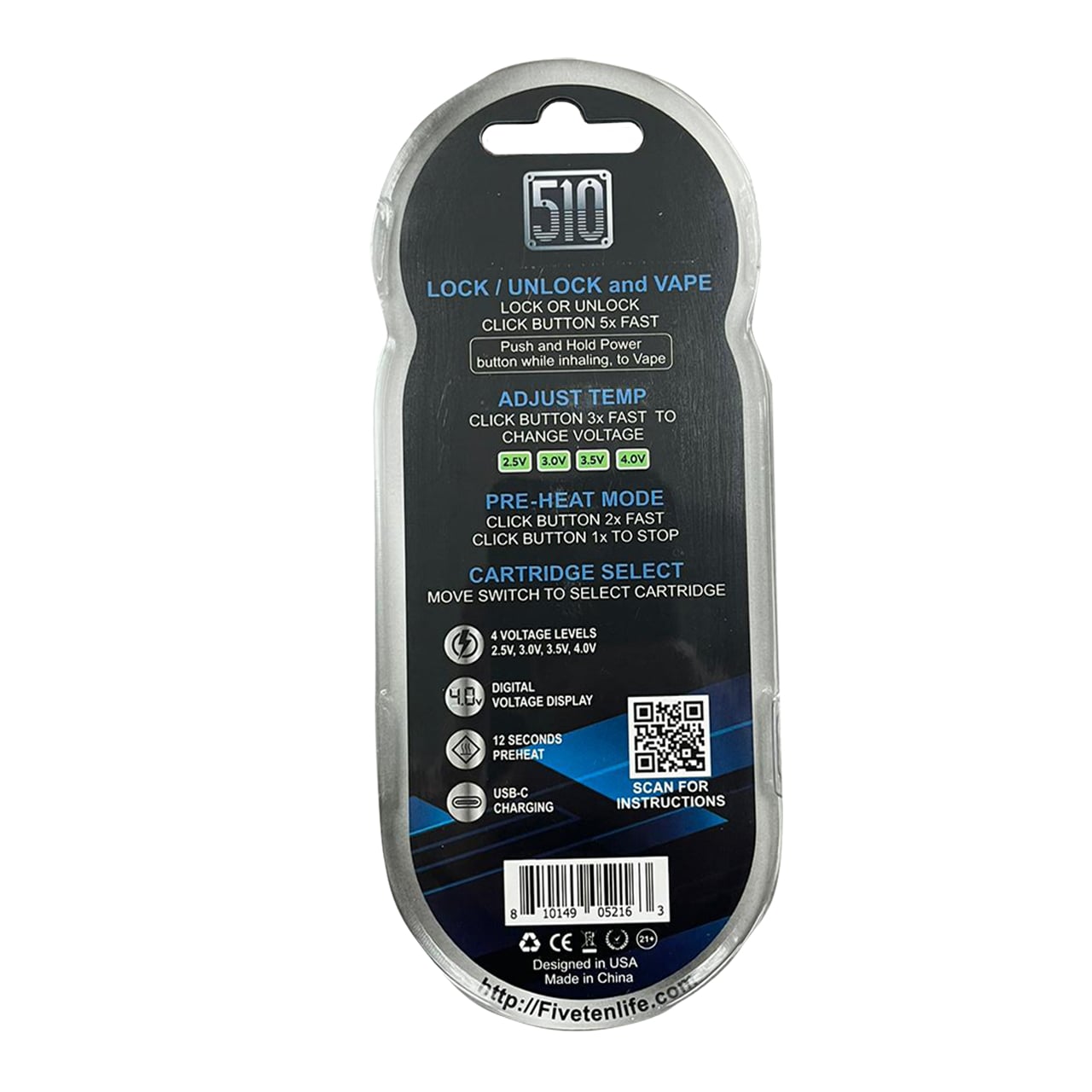
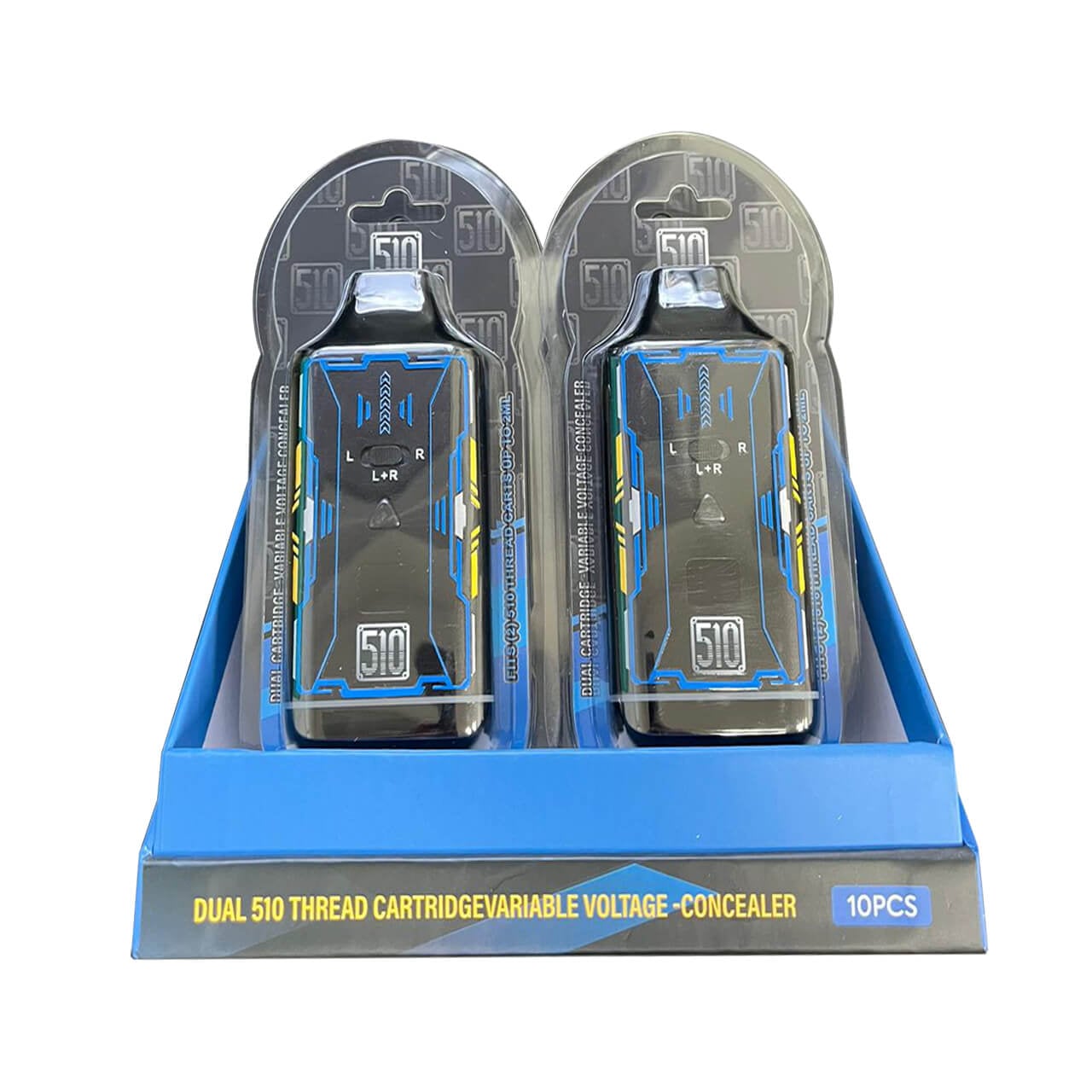
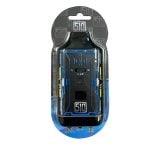
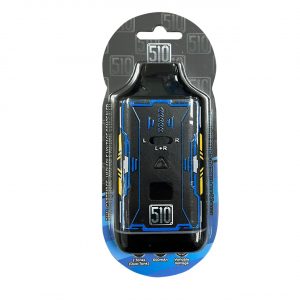
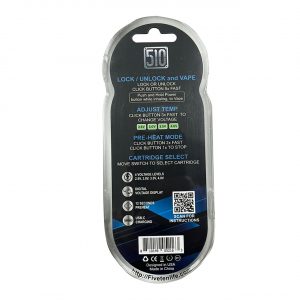
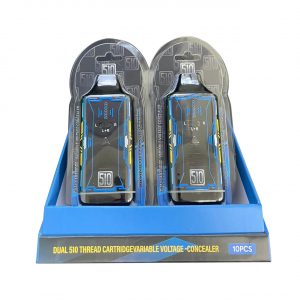
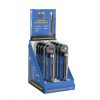
The 510 Duo VV Concealer 510 Battery is a versatile, compact device designed for retailers looking to offer top-quality vape power solutions. Equipped with four adjustable voltage levels (2.5V, 3.0V, 3.5V, and 4.0V), it allows for flexible compatibility with a range of 510-threaded cartridges.
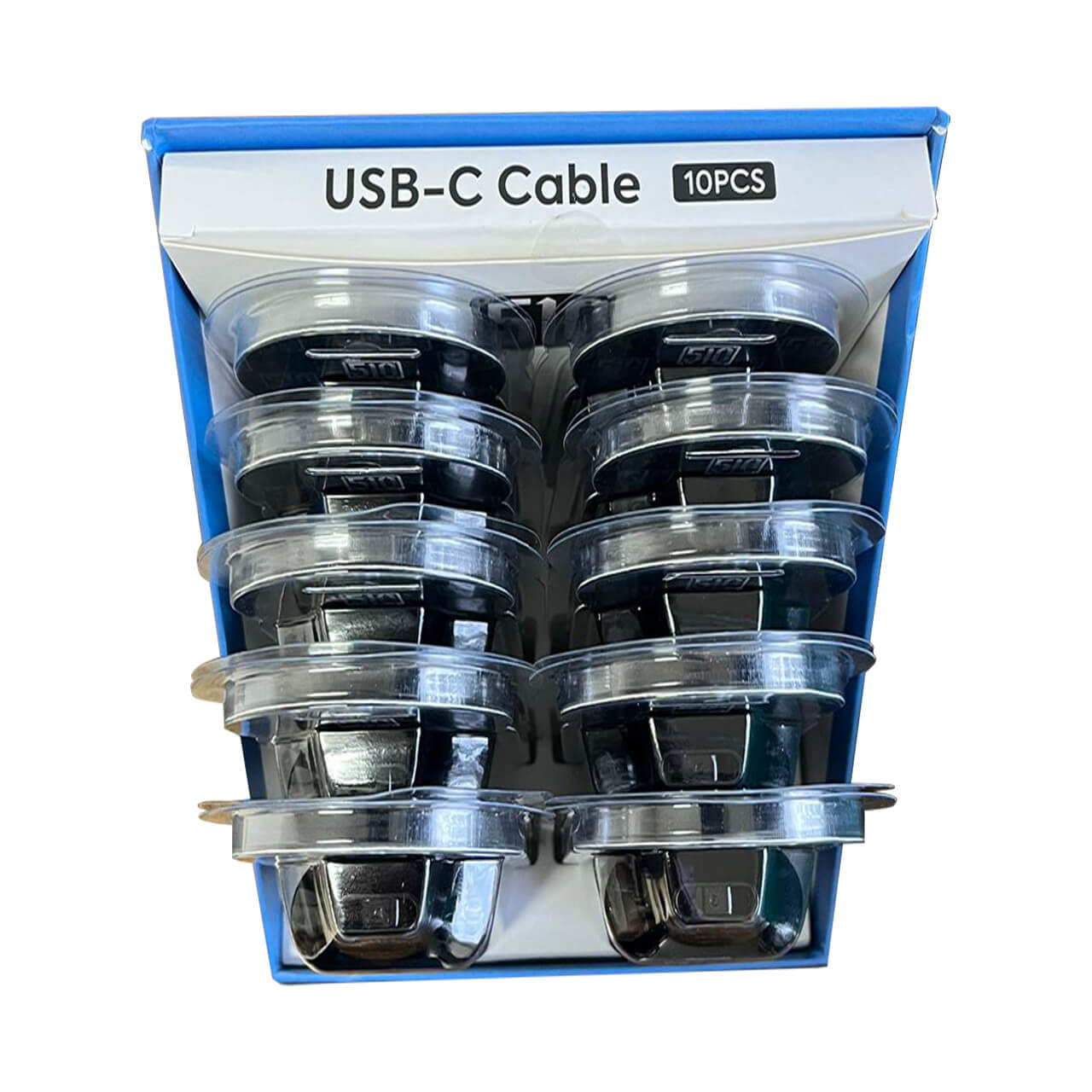
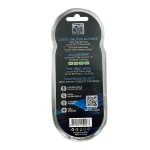
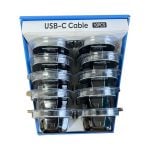
A digital voltage display ensures clear monitoring of the battery’s output, while the 12-second preheat mode prepares cartridges for consistent performance. The sleek concealer design provides discretion and modern appeal, making it an attractive retail-ready product. Rechargeable via USB-C, it combines convenience with reliability for both stores and end users. (Cartridge not included.)
Available through EZDelta8Wholesale, a retailer’s go-to online vape distributor for the best-selling batteries. The 510 Duo VV Concealer 510 Battery is a practical, ready-to-sell option for smoke shops and distributors seeking compact, high-functioning vape battery solutions.
Specifications:
Package Content:
Operating Instructions
| Colors | Black Blue Yellow |
|---|

Free on orders $65+

No hidden fees

10,000+ reviews

100% made in USA





 Original price was: $38.34.$17.43Current price is: $17.43.





Reviews
There are no reviews yet.